Kahihi · use-case photos
Make the use-case photos, one lamp at a time
Bhumika already makes lit scene photos with an AI tool (the door-and-flowers shots). This page gives her ready prompts for 8 real-life scenes. Each prompt starts from the real photo of the lamp, so the lamp stays exactly as it is and only the room, the light and the flames are added.
All 8 Use-Case Photos Generated: All 8 unique scenarios have been generated and are displayed below side-by-side with their reference lamp photos. Every image features distinct styling with authentic lighting and strictly zero marigold flowers.
How to make each photo
STEP 1Open the AI tool Bhumika used for the door-and-flowers photos
STEP 2Attach the lamp's clean photo from the
clean/ folder (see the catalogue page)STEP 3Copy one prompt below and paste it. Change the lamp colour in [brackets]
STEP 4Check the lamp still matches the real one (pattern, pearls, 4 diyas). If not, ask it to try again
Current vs. what we want
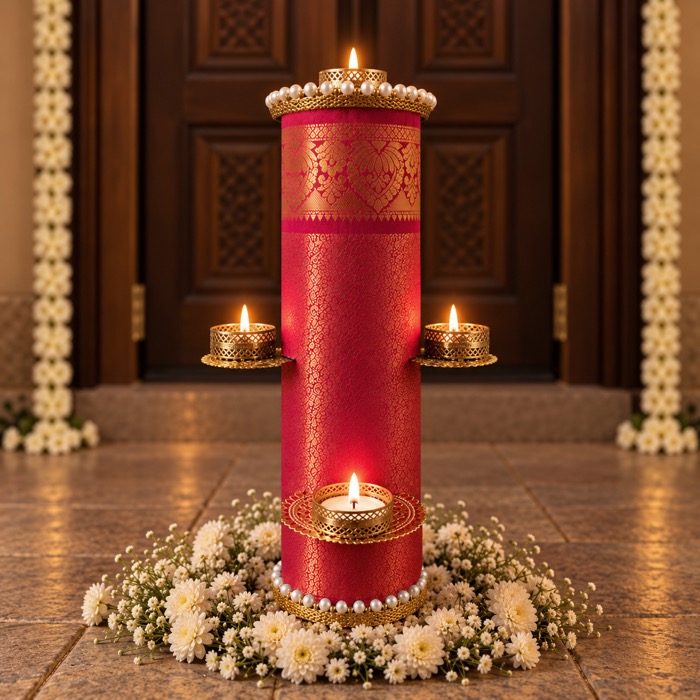
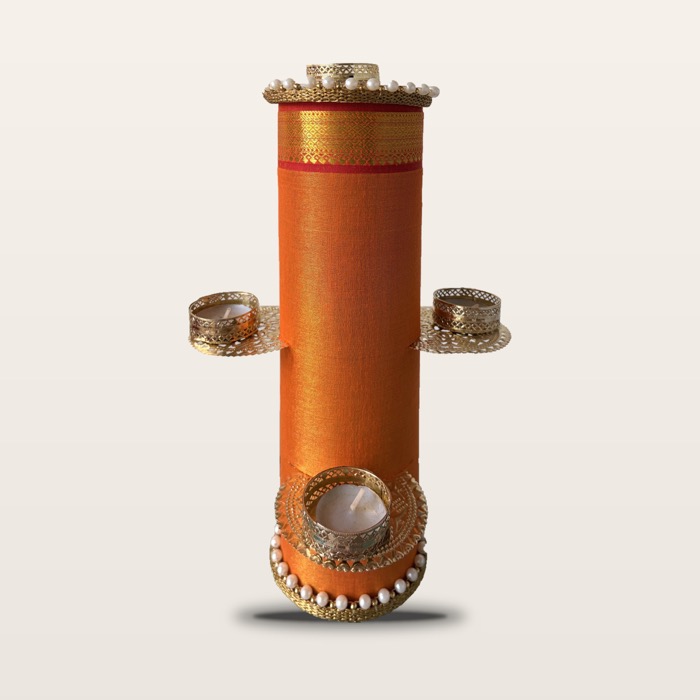
8 scene prompts
Each prompt already asks for a natural, photographer-style look: real home, warm evening light, lit flames, no CGI shine.
Check every result before using it
Keep it if
- The lamp looks exactly like the real one: same fabric pattern, border, pearls and 4 gold diya holders
- The lamp is the right size for the room (Large 38 cm, about knee height off the floor)
- The flames are small and soft, with a warm glow on the fabric
- The room looks like a real Indian home, a bit lived-in
Redo it if
- The pattern or colour changed, or extra diyas or pearls appeared
- The lamp is huge, floating, or has no shadow
- Hands have the wrong number of fingers, or text appears anywhere
- It looks too glossy, too perfect, or like a 3D render
Send me the photos you keep. I'll match the warmth and crop across all of them, then add them to the site: homepage section, Gallery page and photo 2 on each product.